
Site tracking without the friction.
Touch2build is a site tracking application: drawings, tasks, snags and photos, even offline, then Word, Excel or PDF reports in one click.


From drawing to report, with no retyping.
Every action on site is traced. You gain in clarity, traceability and performance.
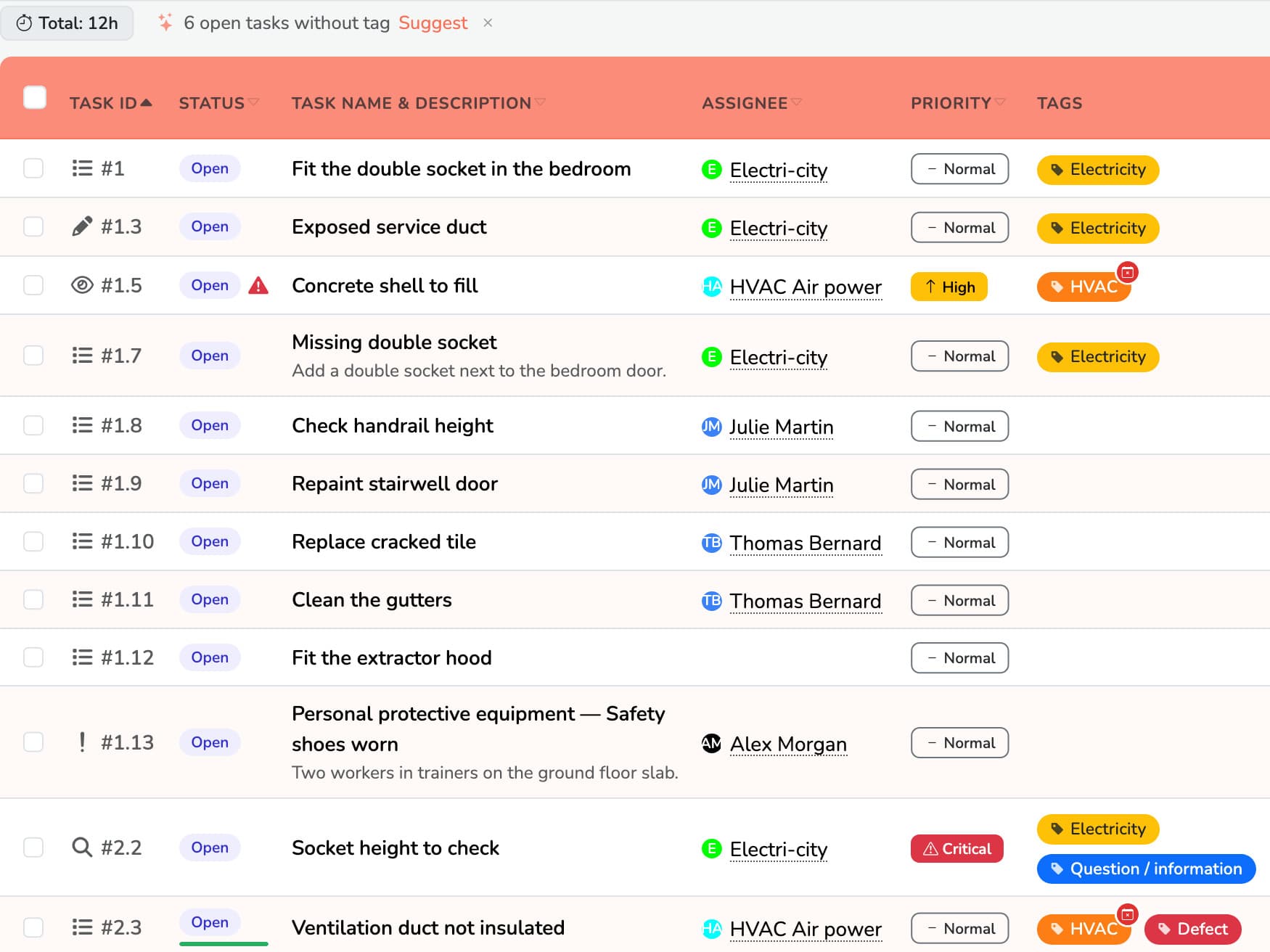
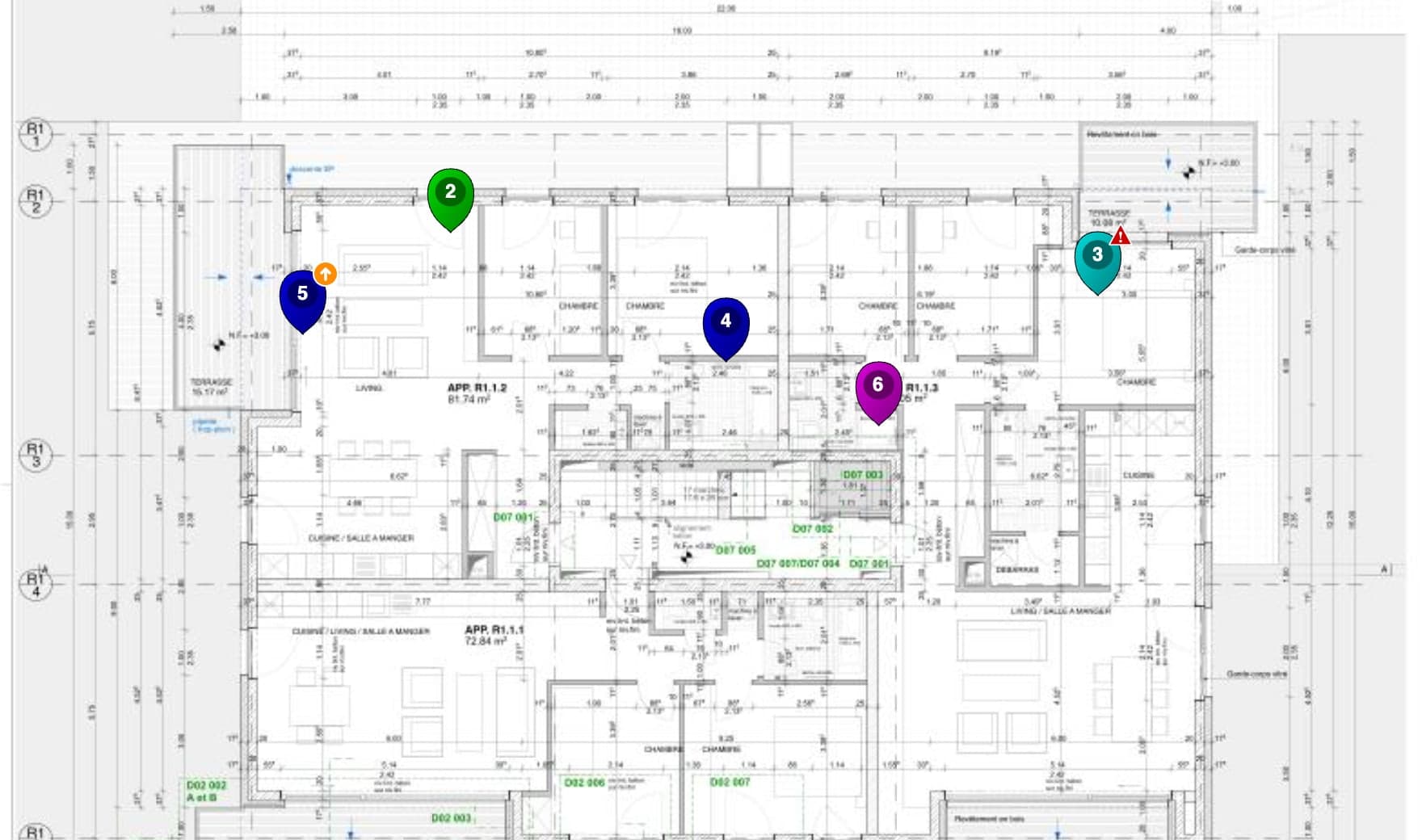
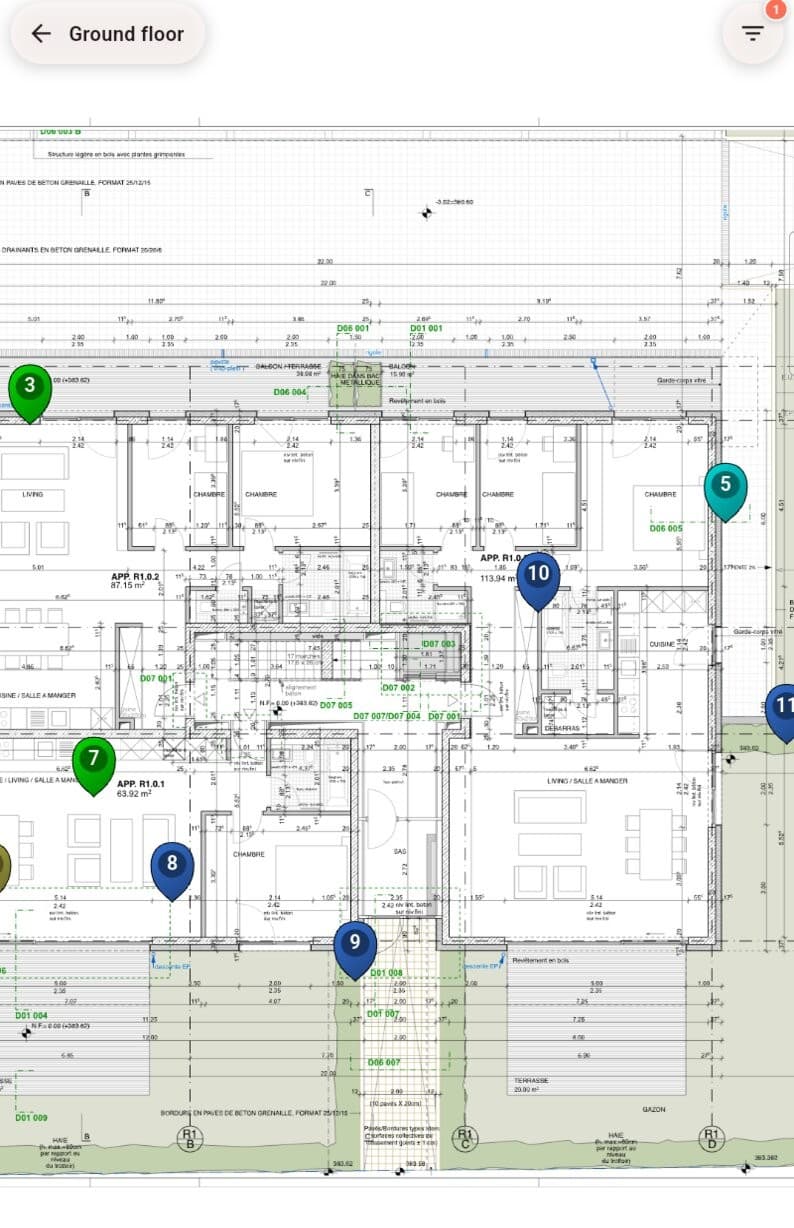
Place each task on the drawing
See who does what, in real time. Clear, central information, even with several parties involved.
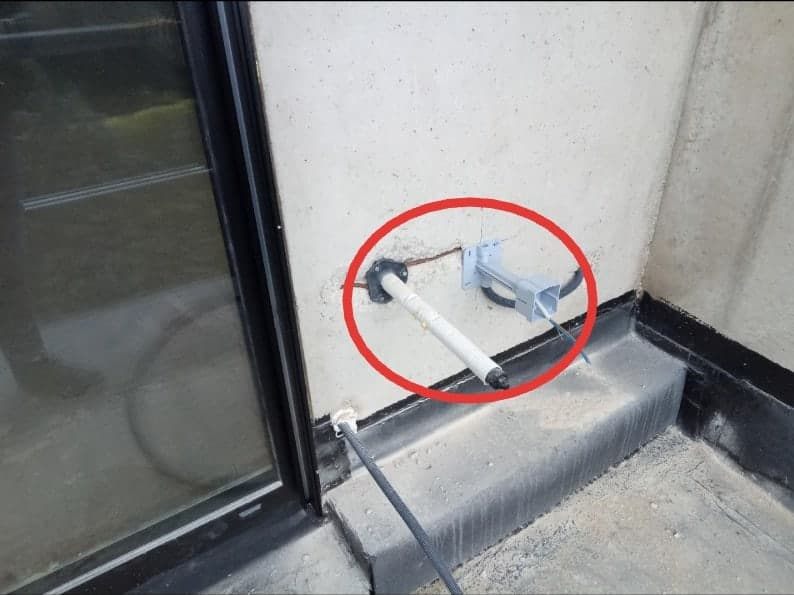
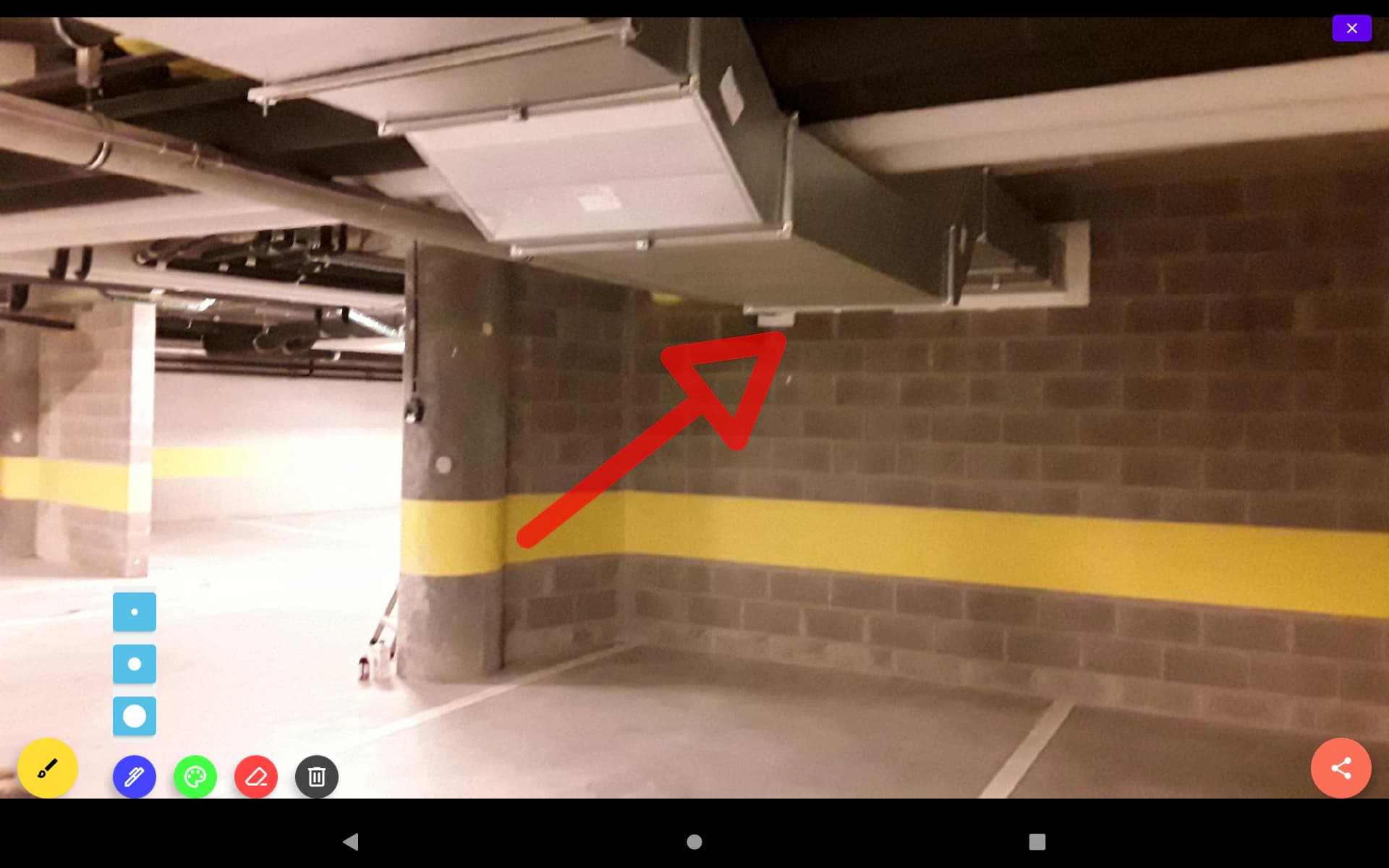
Take a photo, annotate it
Each image becomes clear, usable evidence, linked to its task and its location.
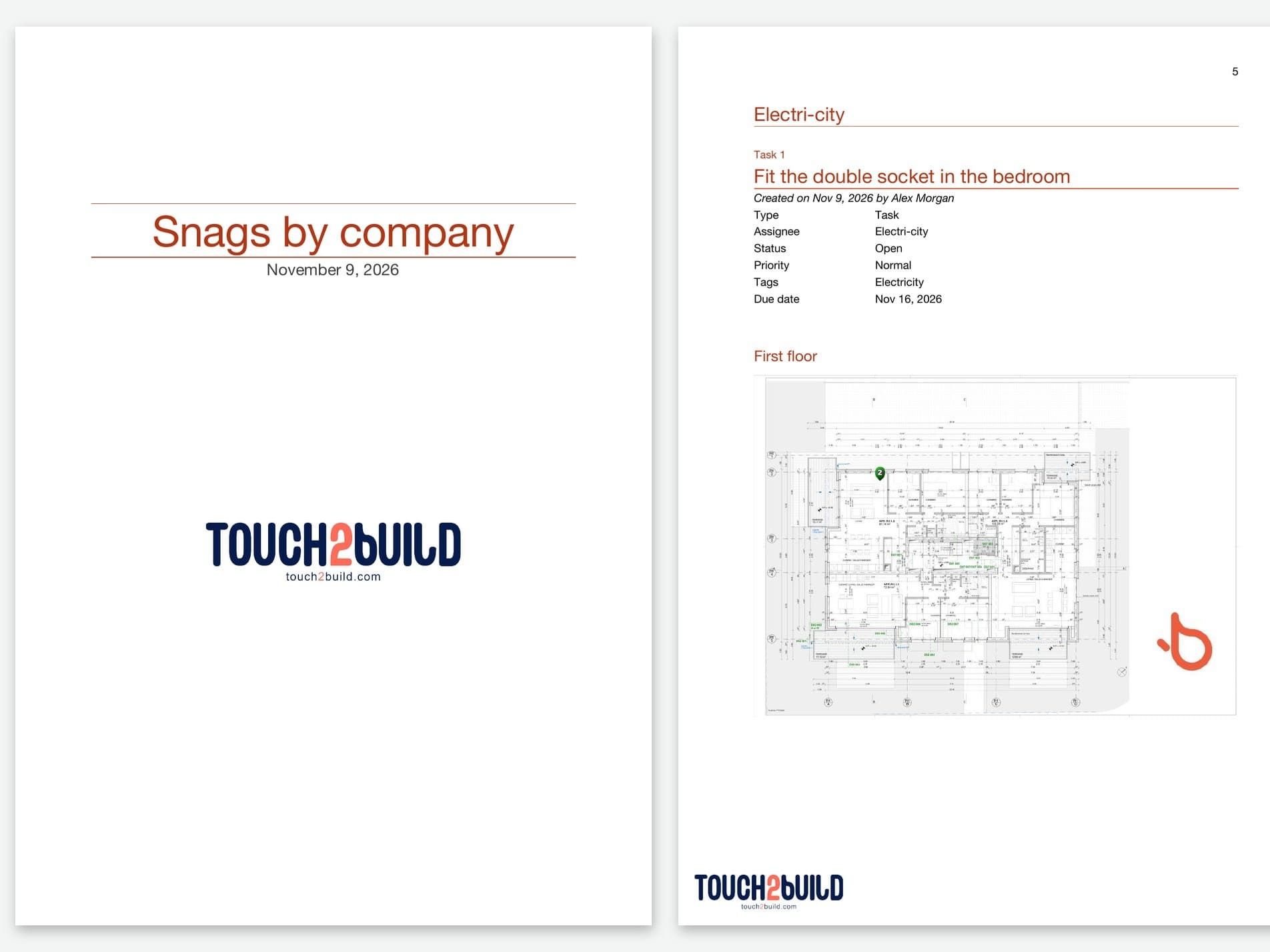
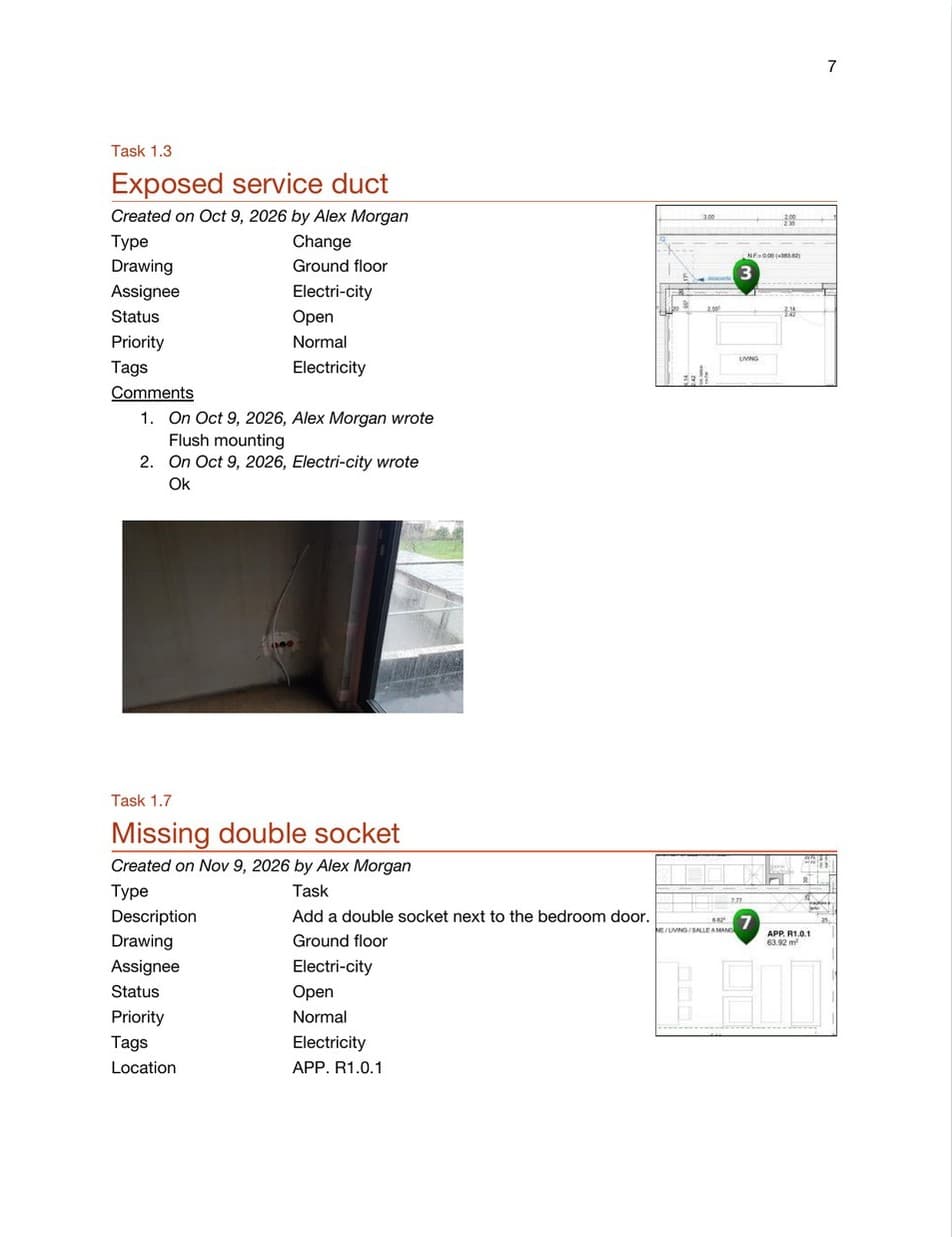
The report in one click
Reliable reports, always up to date, ready to share as Word, Excel or PDF.
No data lost, even without a network.
In a basement, in the mountains or in a dead zone: the app works locally first. Your data syncs automatically as soon as the network is back.
- Drawings, tasks and photos available on the device
- Changes are queued and sent as soon as the network returns
- Up-to-date data: fewer delays, fewer oversights
- Dedicated human support: a real team that knows your challenges
Made for your trade.
- Construction project managersSave hours every week on your sites, automate your reports and stay in control at every stage.
- ArchitectsGenerate your minutes, snag lists and reports in one click, and follow your projects clearly at every stage.
- Contractors and developersRun your sites in real time, reduce disputes and deliver your projects faster and with more peace of mind.
- SubcontractorsGet the drawings, tasks and snags to clear: everything you need is on your phone.
- Inspection companiesTrace your inspections, digitise your findings and generate your reports automatically in one click.
- Public works managersSee the sites, coordinate the parties and document every job in full transparency.
- Property managersFollow every request and every job through to closure, and arrive at the general meeting with a complete report.
- Mountain sitesFollow your works, maintenance and inspections, even off the network, and keep full control of the terrain.
Set up Touch2build in 4 steps.
No need to be an IT expert. You are up and running in a few minutes.
- Download the appCreate your account online, then install the app on your phone or tablet: iPhone, iPad or Android.
- Invite your teamsAdd colleagues and subcontractors by email: the number of members is unlimited.
- Start your projectsImport your PDF drawings or start from a map, then place your first tasks on it.
- Keep site information in one placePhotos, snags and minutes stay together, up to date for the whole team.
Free tools, no account needed
Measure right away, in your browser. Touch2build takes over when the site needs to move forward.
Free to start. Pro when you are ready.
One free project with 5 drawings, with no time limit. One Pro plan with everything included and no paid options.
Free
0 €forever
No time limit.
To try the application.
- 1 project of your own, with 5 drawings
- Tasks and photos on your drawings
- Excel and PDF exports up to 250 and 100 tasks
- Works offline
- Secure storage in Europe
- Unlimited participation in other people’s projects
- Not included: Word reports and templates
- Not included: Planning
- Not included: AI features
Switch to Pro at any time
Pro
25 €/ month / team lead
Pro Annual, unlimited members included.
That is 300 € a year: 2 months free.
Everything included. All modules are included: switching on a feature in a project costs nothing more.
- Unlimited projects
- Unlimited members
- Unlimited tasks
- Unlimited photos
- Secure storage in Europe
- Word, Excel and PDF reports
- Several report templates
- Planning by trade
- Unlimited AI features
- Works offline
- Email support
30-day Pro trial, no credit card
Local authorities, large companies?
Several teams, invoicing on purchase order or via Peppol, terms suited to the public sector.
Your subcontractors and invited participants never need a licence. Compare the plans in detail
Your questions, our answers
Does Touch2build offer free take-off tools?
Who can use Touch2build?
Does the app work without a network?
What happens after the trial?
What does the free trial include?
What does the free plan offer?
Are there any extra modules or paid options?
Which devices does Touch2build run on?
Do my subcontractors have to install an app?
Can I use it on several sites?
Fill in the form and we will get back to you.
Try Touch2build for free
Test the application for 30 days, with no credit card and no commitment. See for yourself how Touch2build can change the way you run your sites.
Start my free trial- 30-day free trial
- Responsive support
- No credit card
- Cancel at any time